





For your Mac.
Five sizes, one for each display Apple makes. Pick the one that matches your screen, or any larger one.
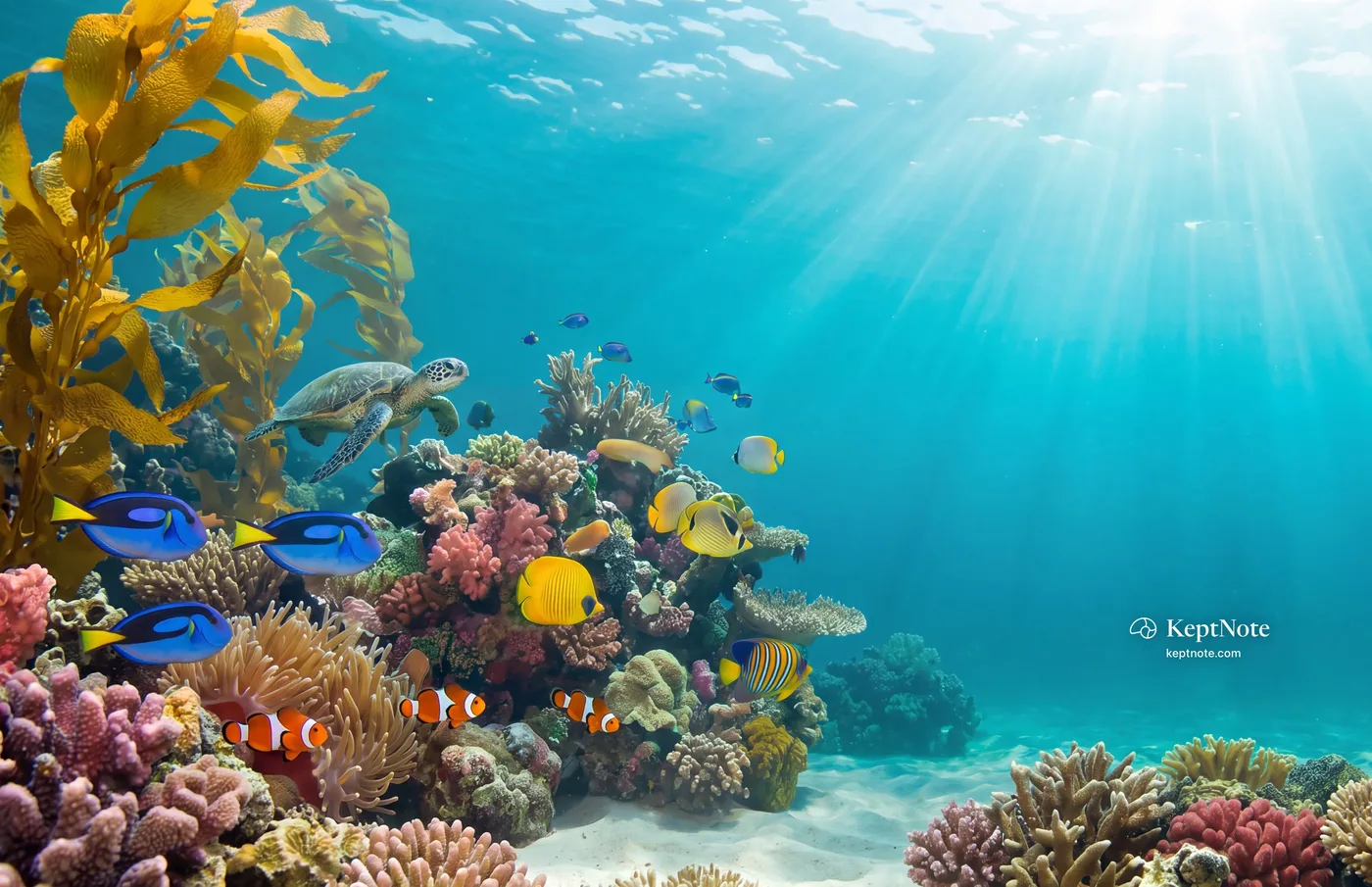
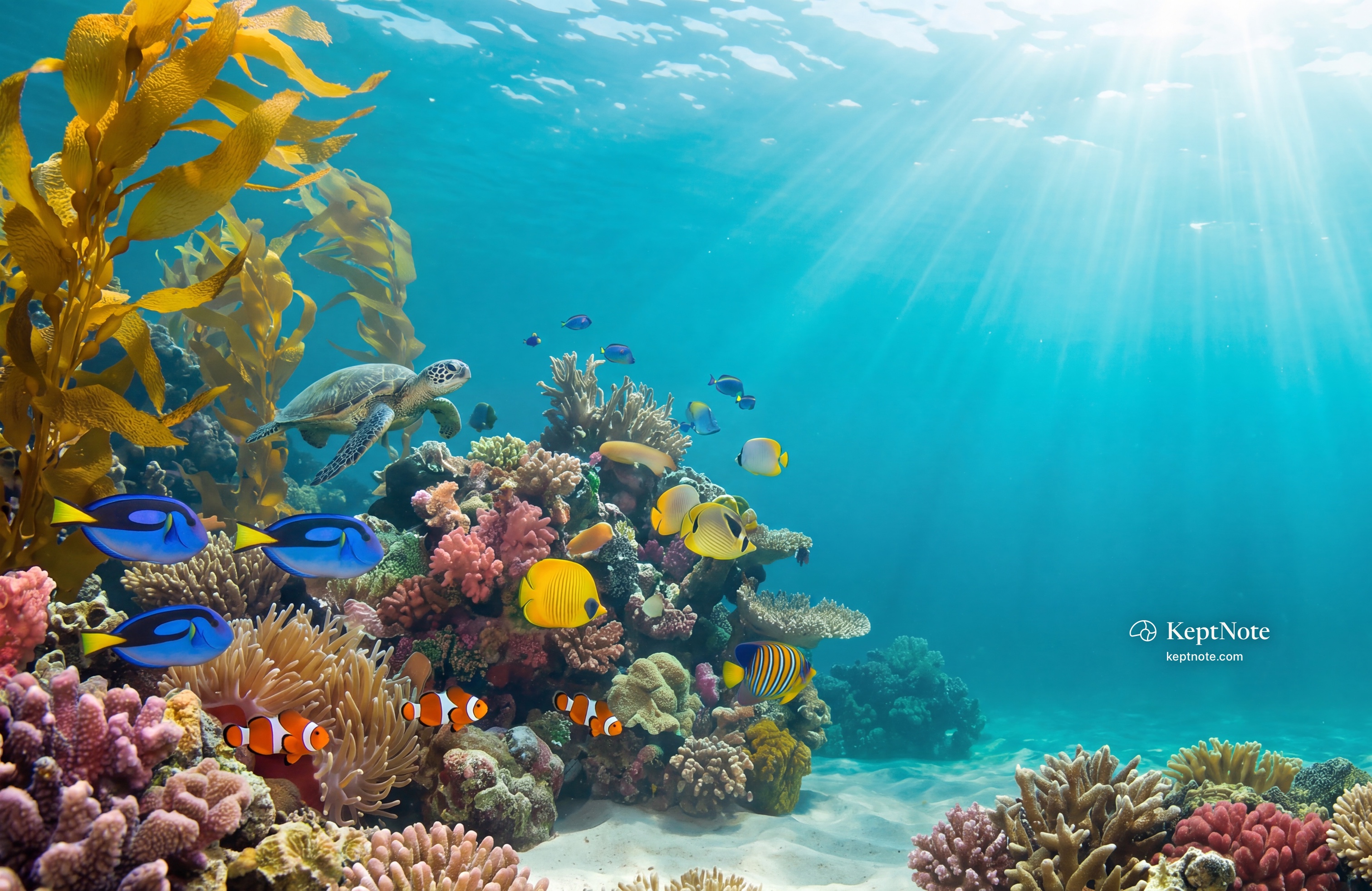
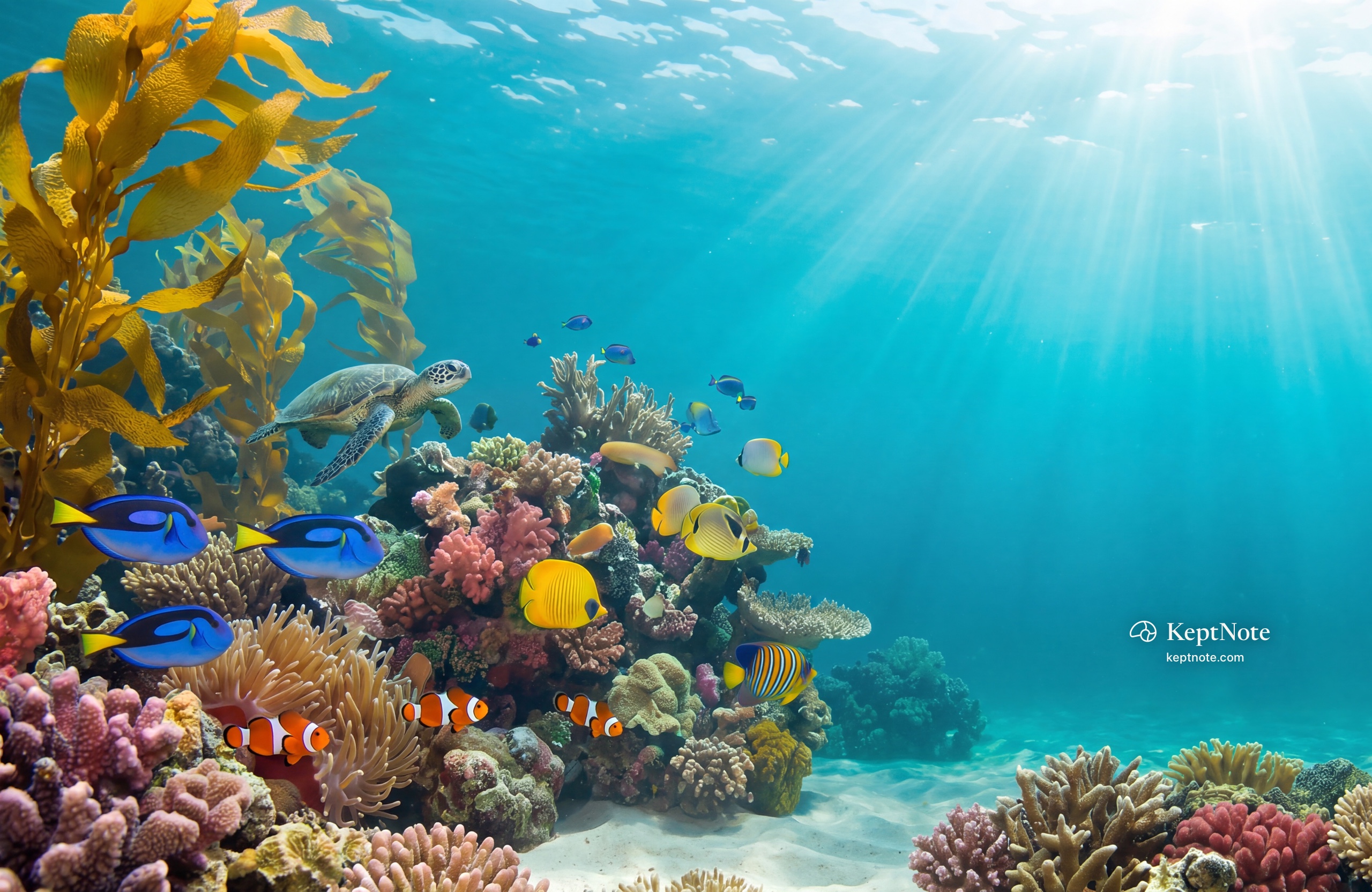
Shallows
Sea glass and morning light.
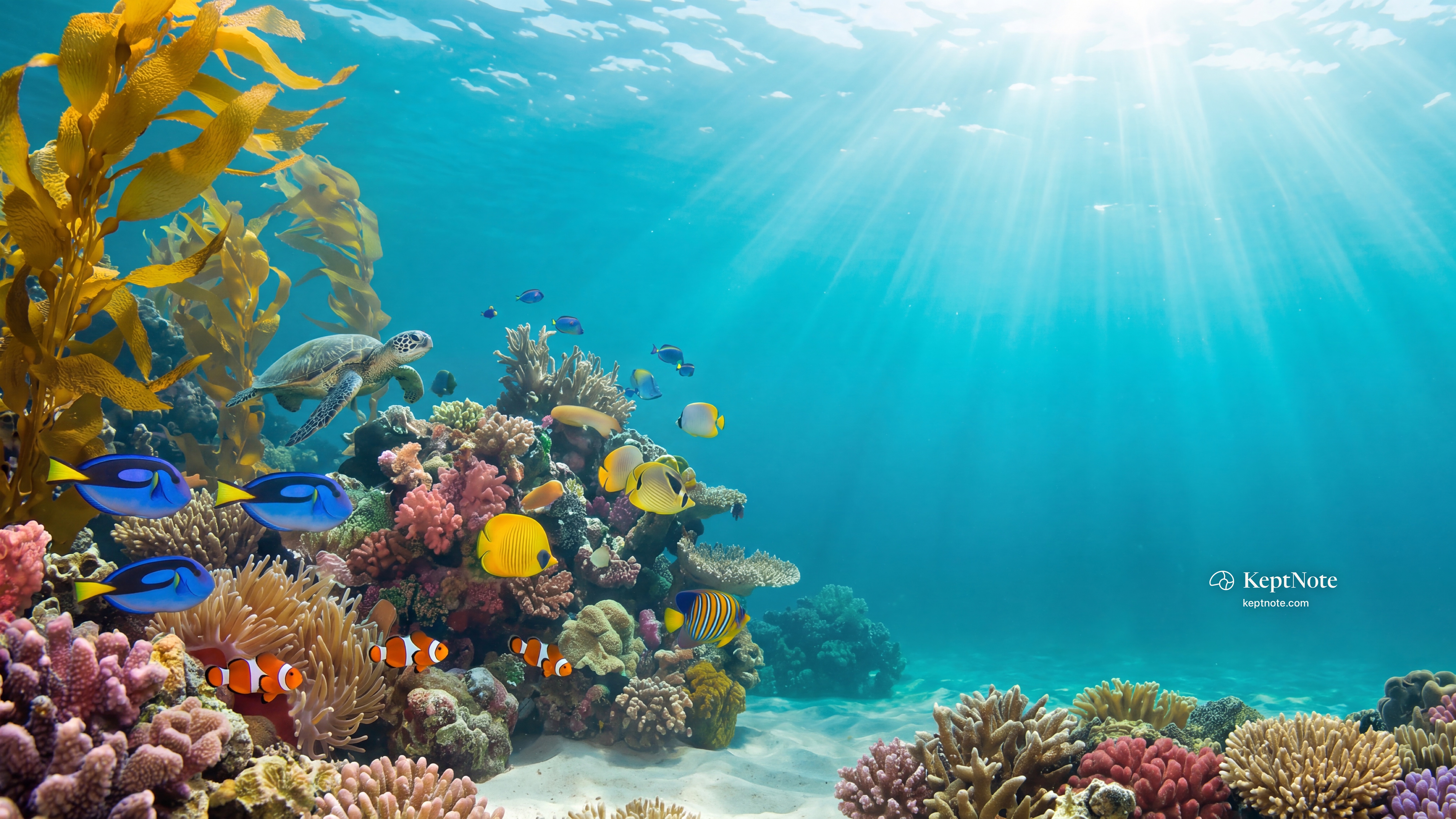
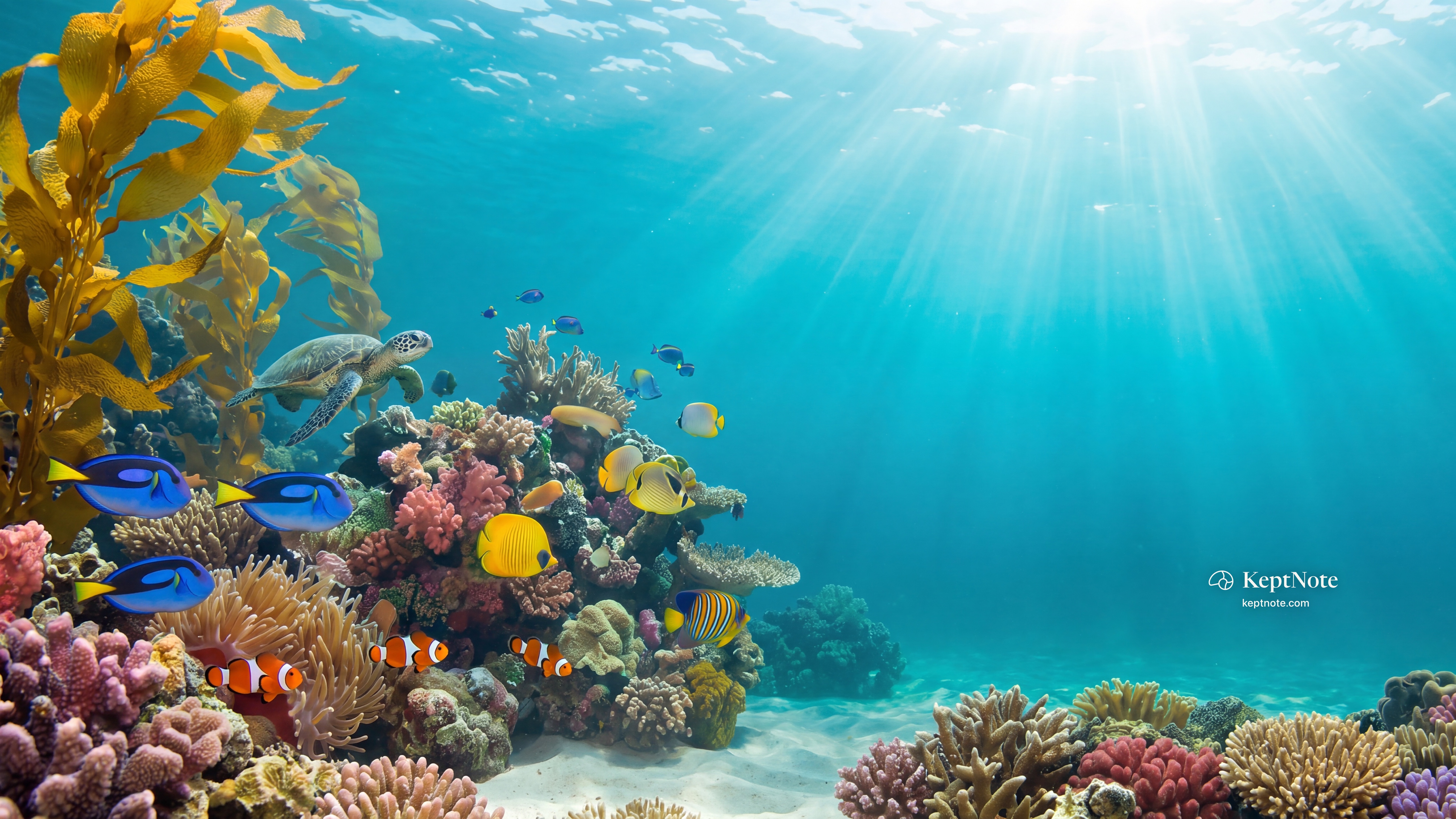
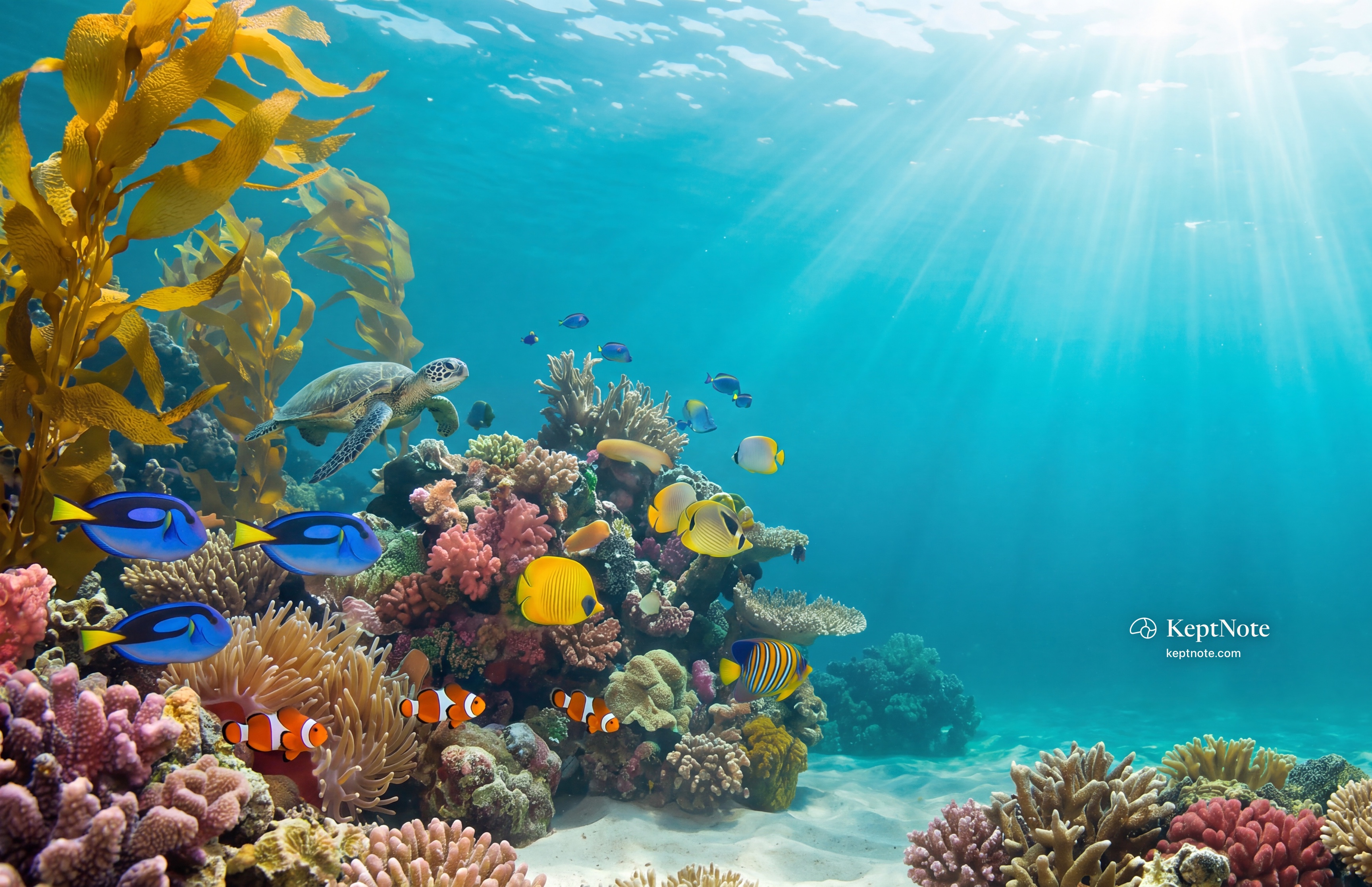
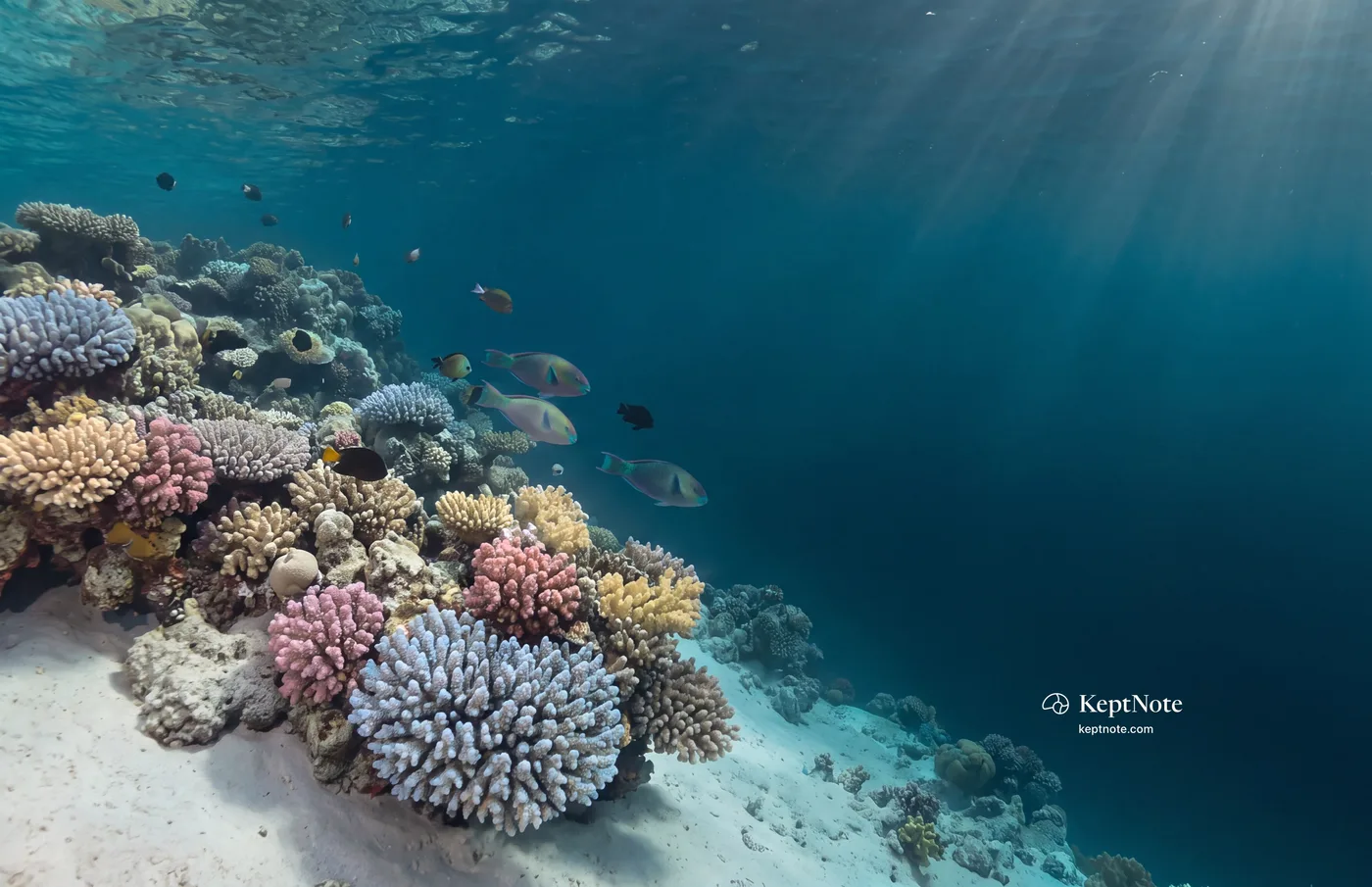
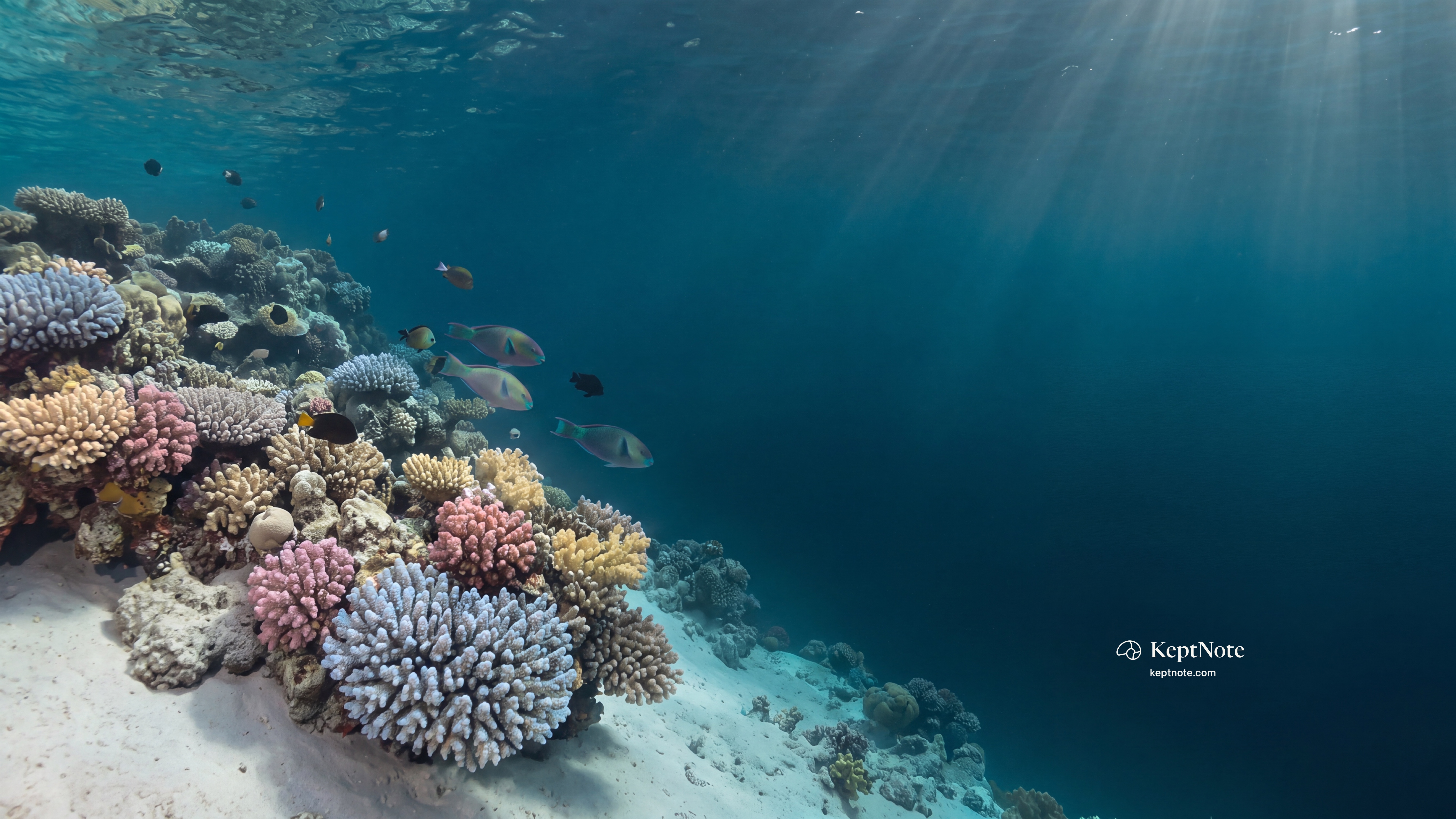
Deep
Night water, a quiet corner of the reef.
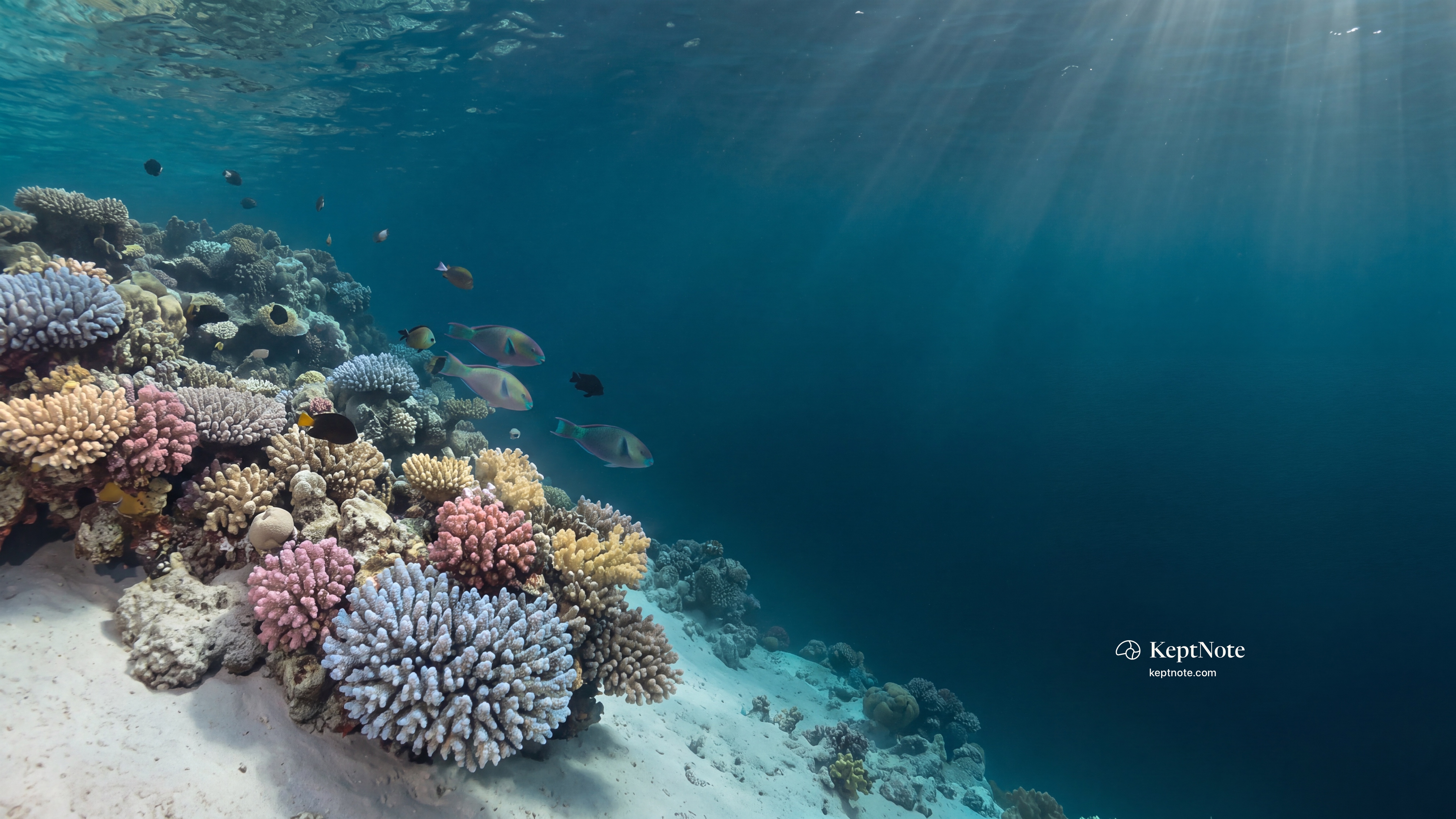
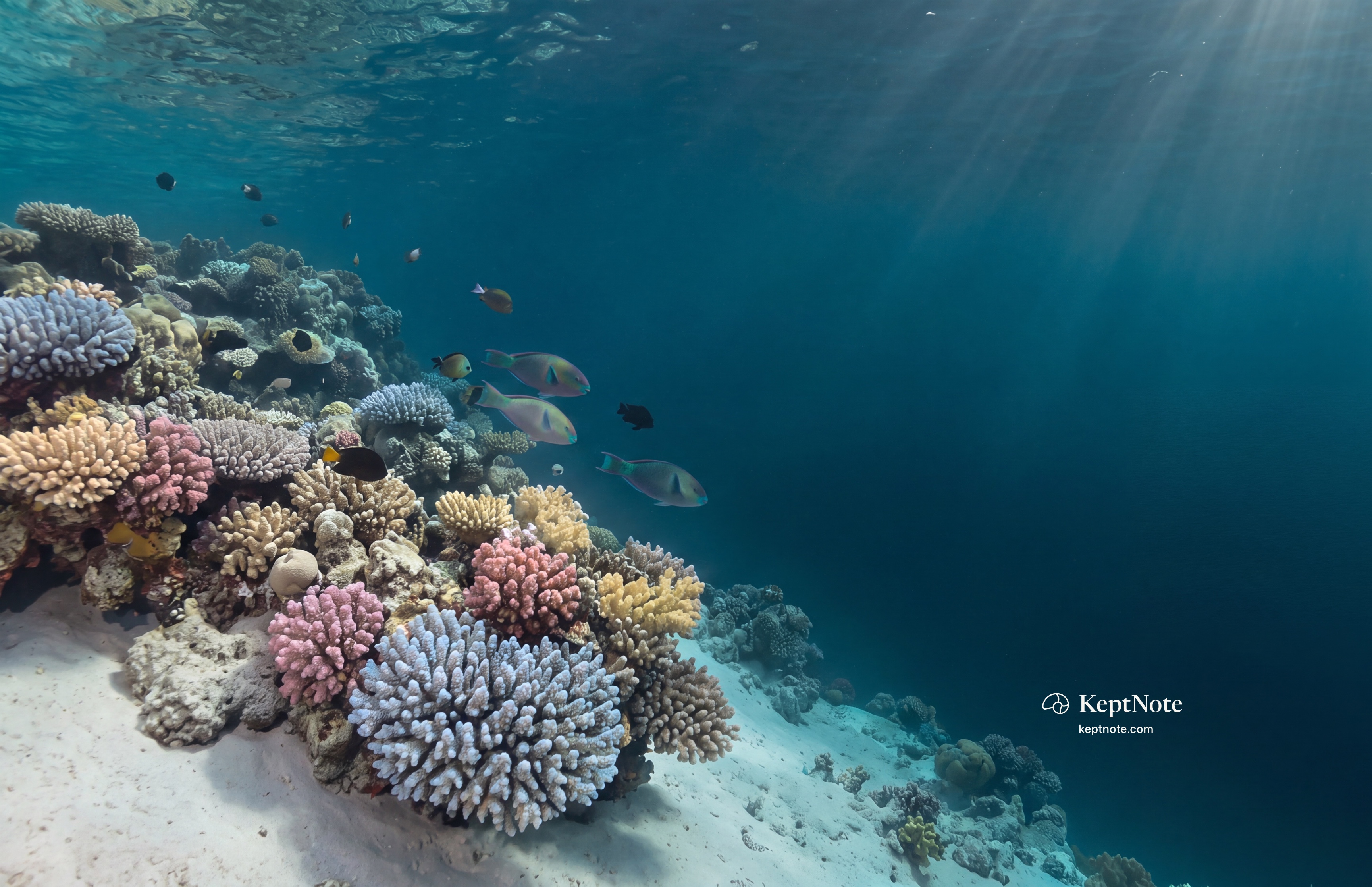
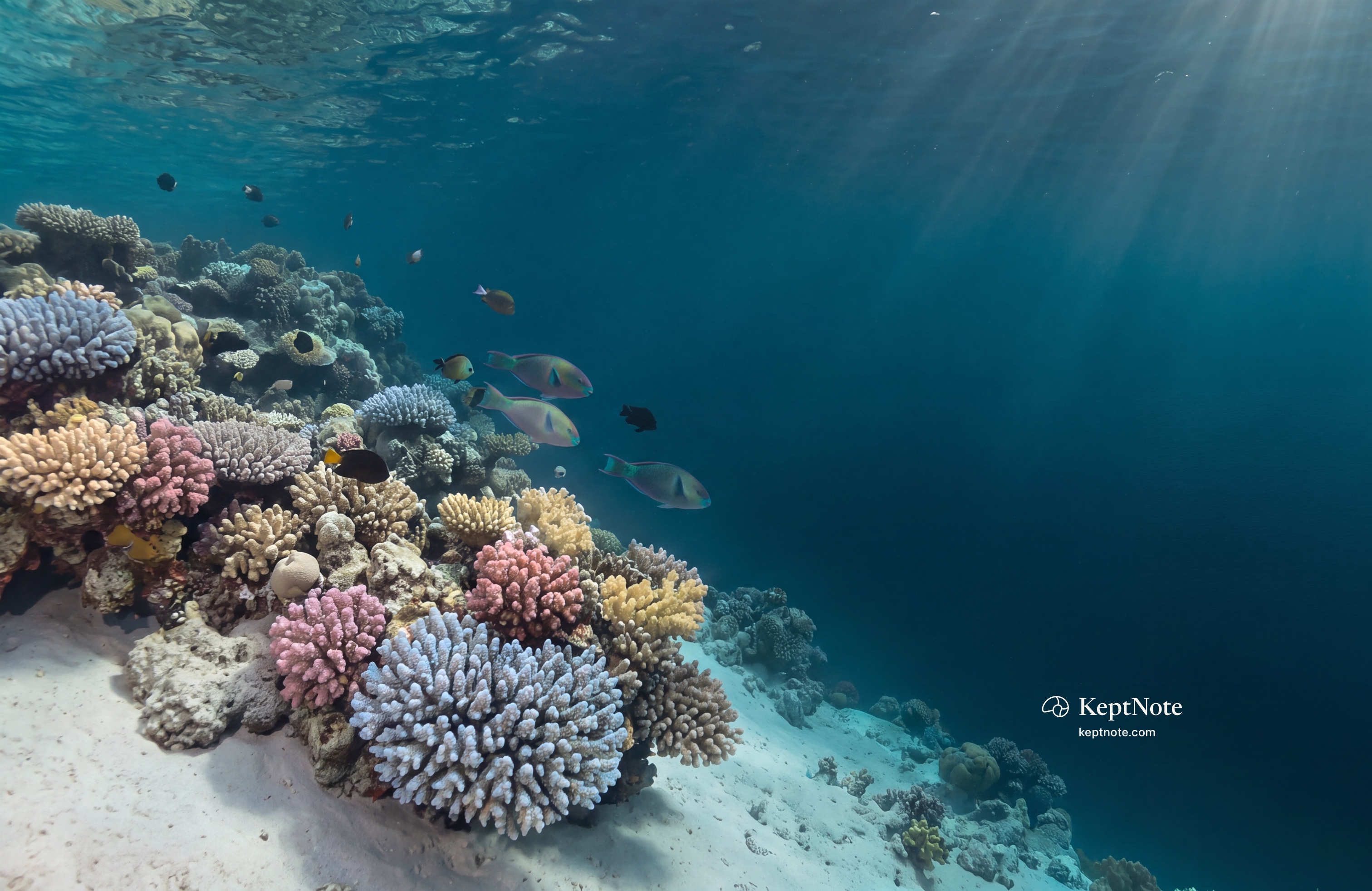
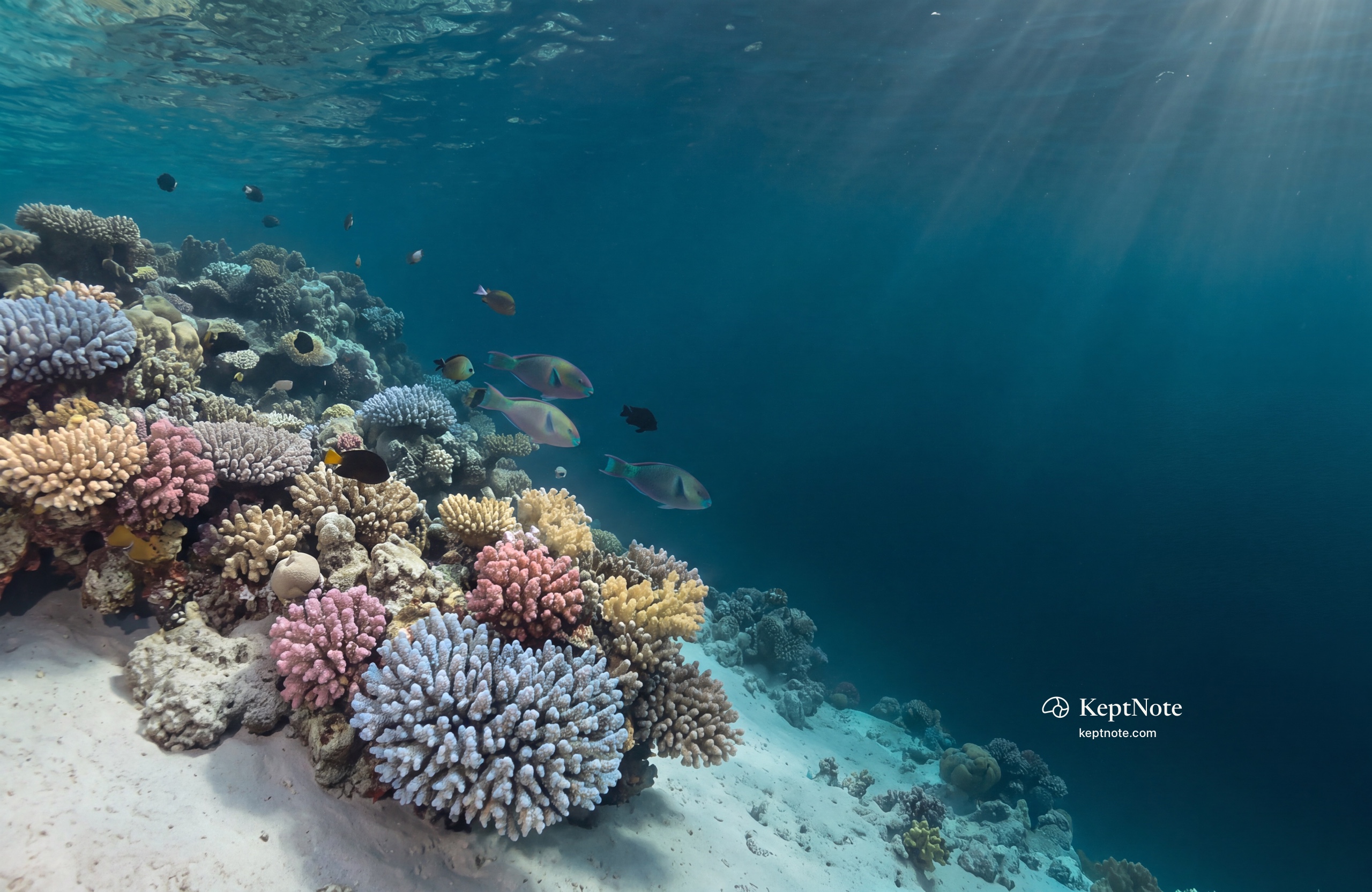
Download the file. Open System Settings, choose Wallpaper, click Add Photo, and pick it.
Get the moving screen saver
It comes with KeptNote. One button in Settings sets the reef as your wallpaper on every screen and adds the screen saver, free for everyone.
See the ReefFor your iPhone.
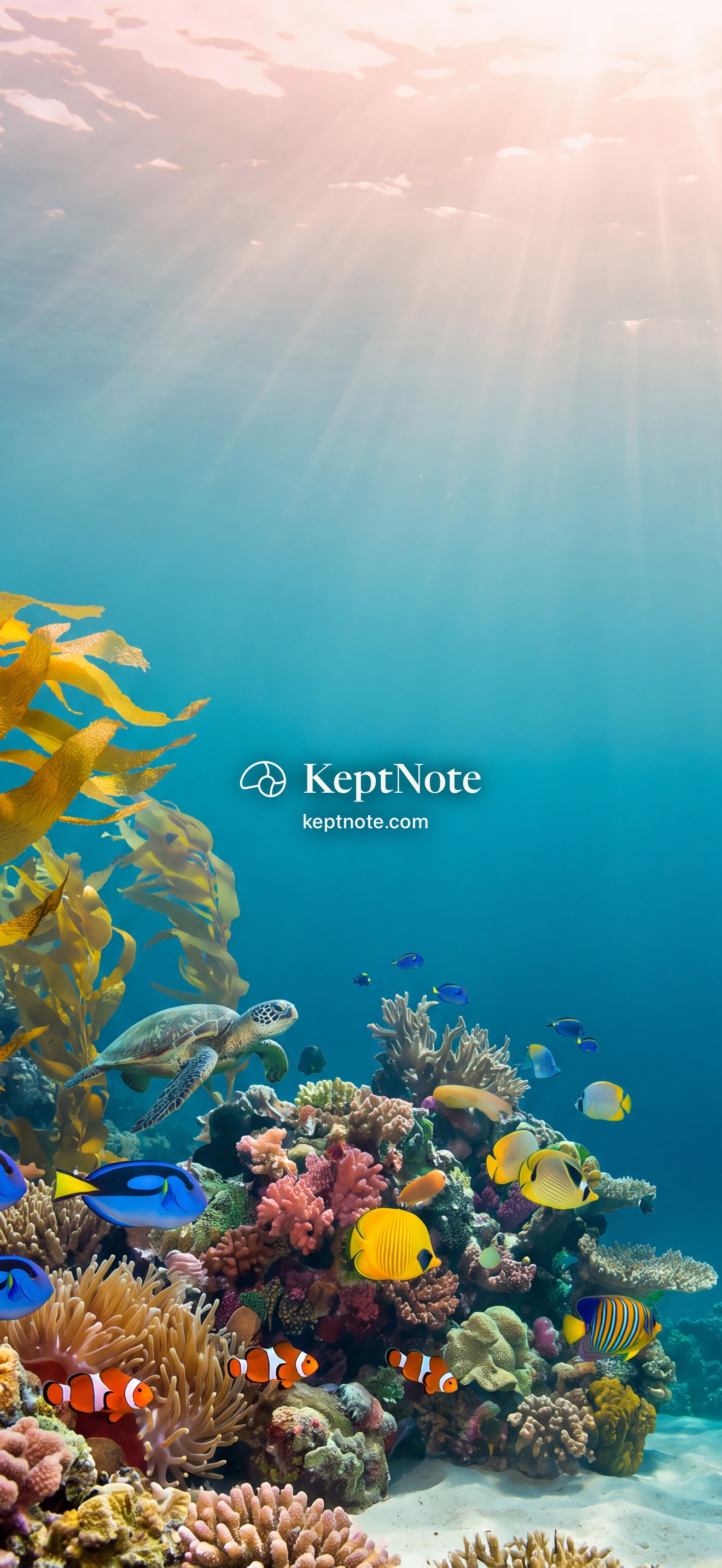
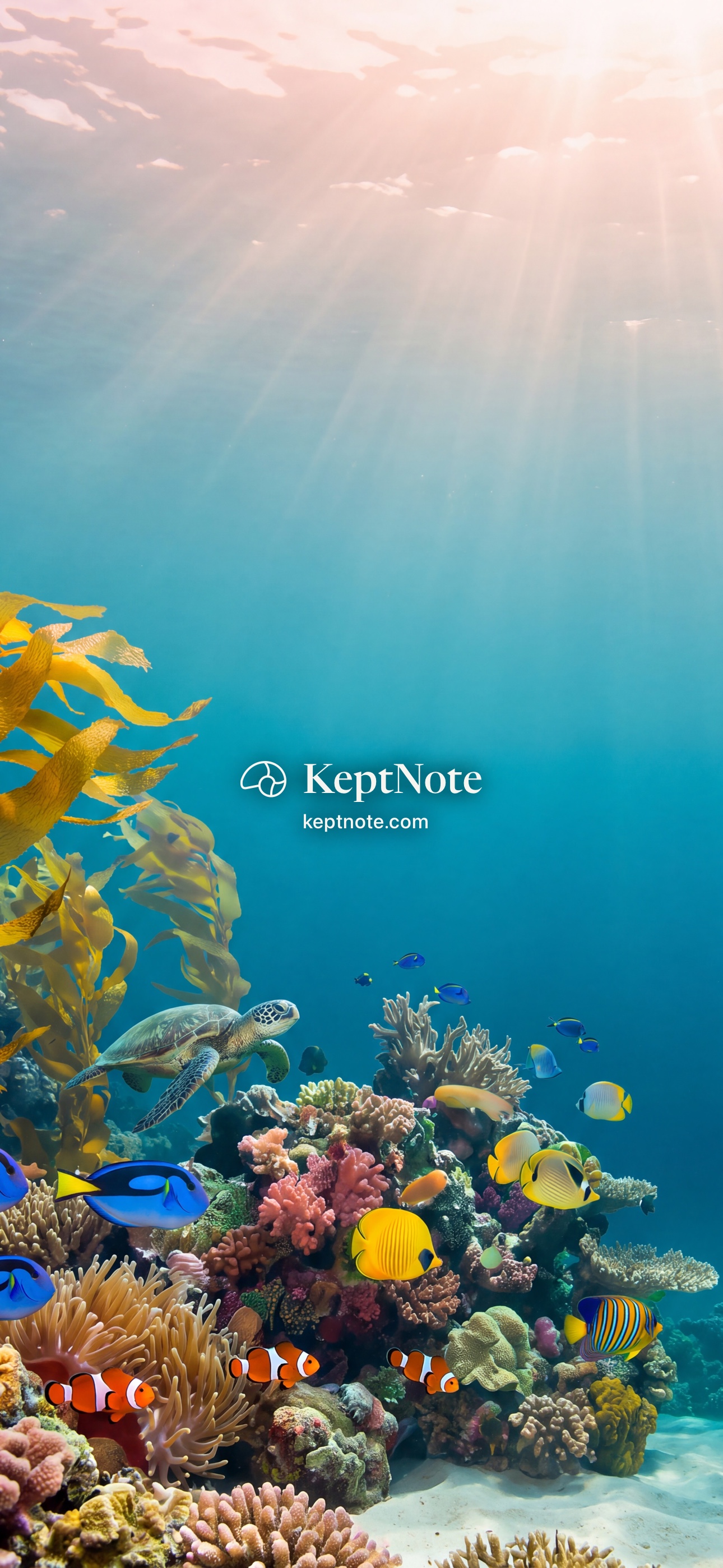
Made for the Lock Screen. The name sits in the open water in the middle, clear of the clock, the flashlight and the camera.
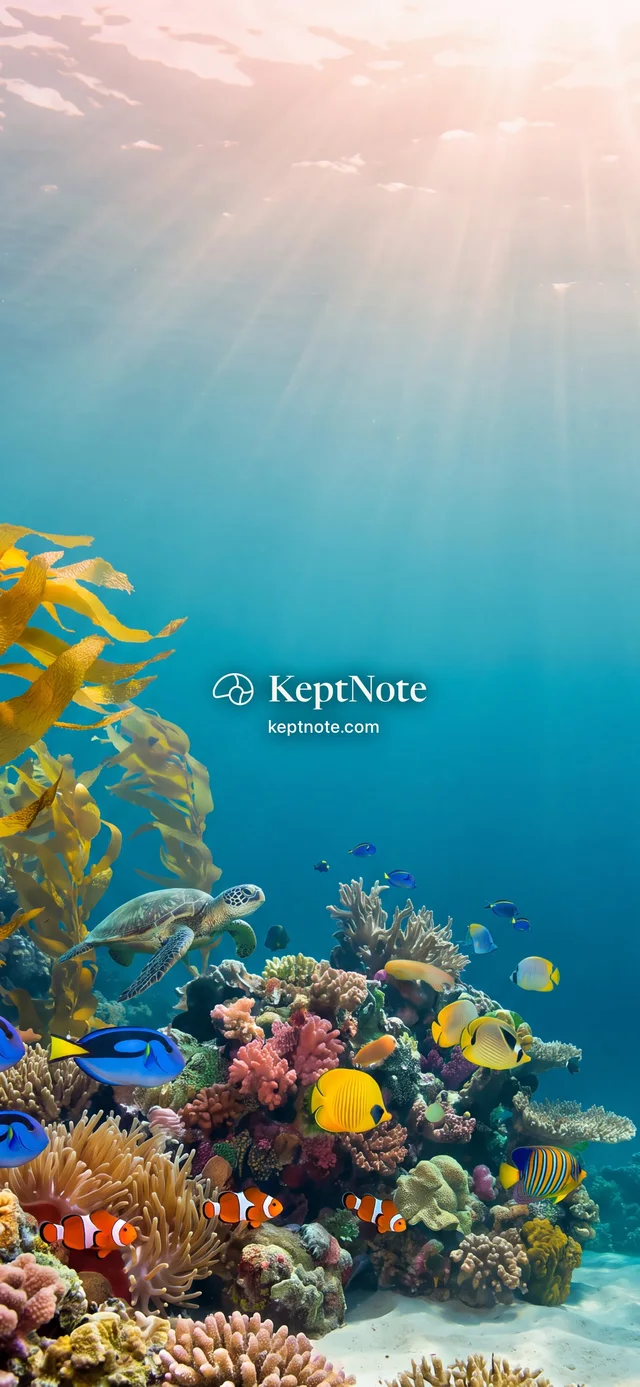
Shallows
Sea glass and morning light.
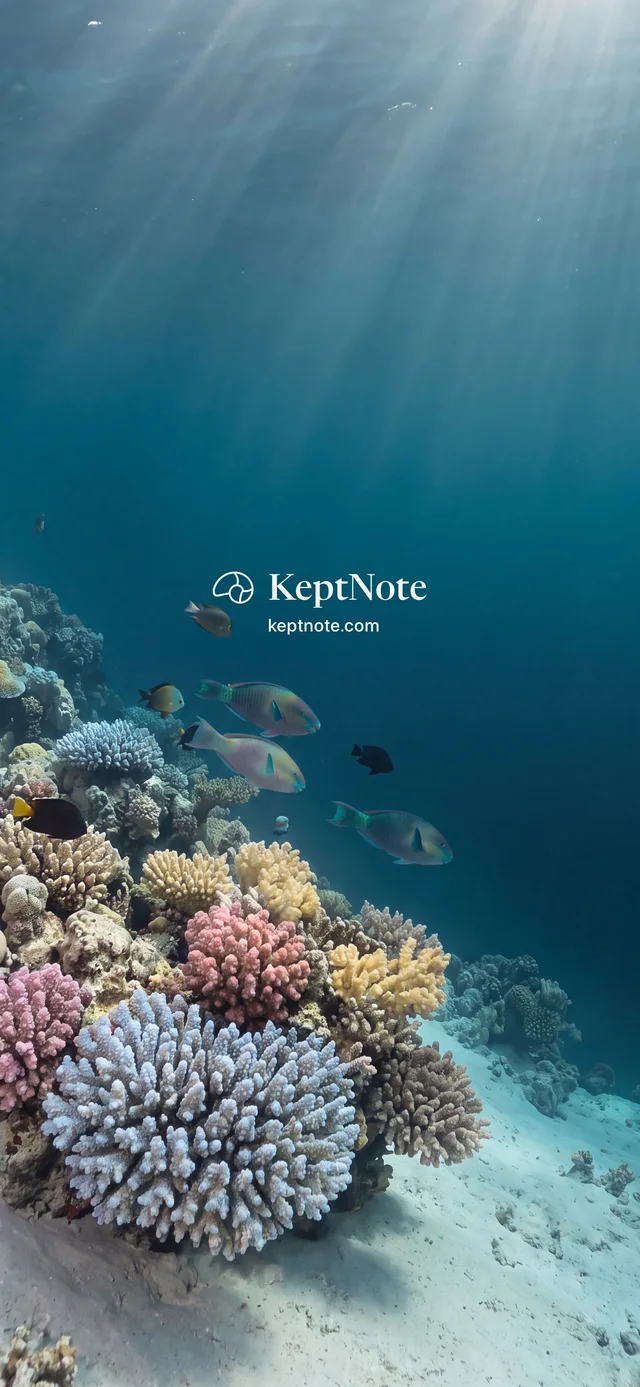
Deep
Night water, a quiet corner of the reef.
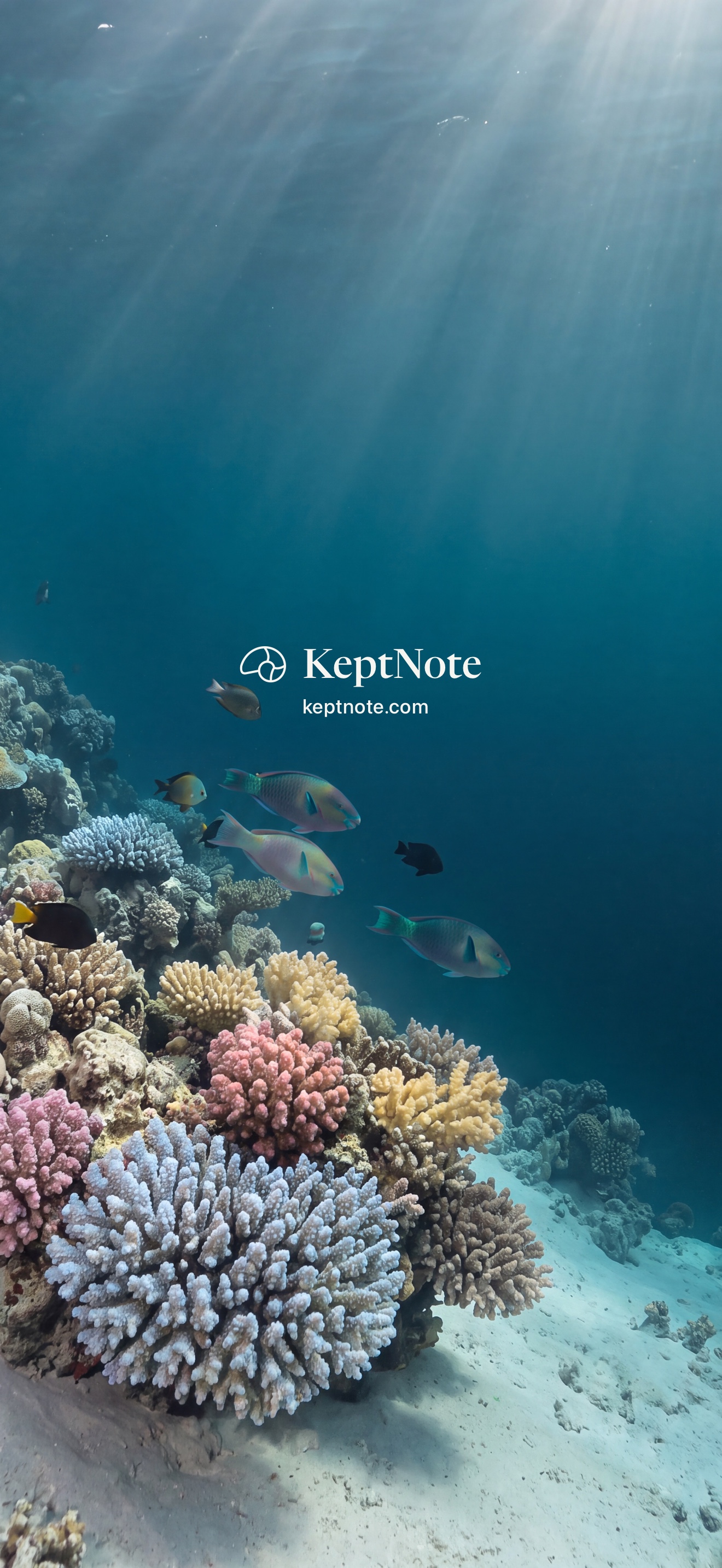
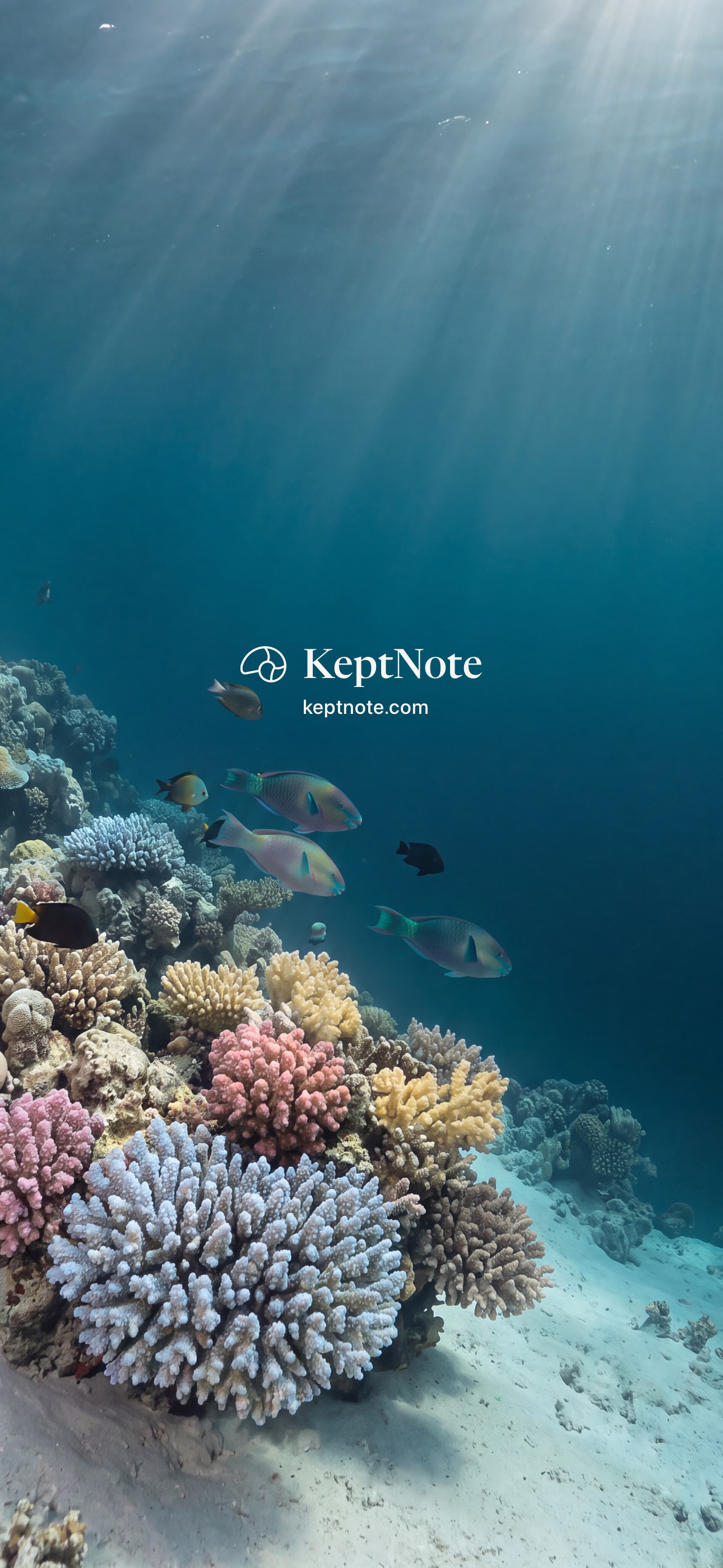
Save the picture to Photos. Open it, tap Share, and choose Use as Wallpaper.
For your Apple Watch.
Cropped from the iPhone pictures so the reef stays in the frame. The name is small, in the open water above the reef.
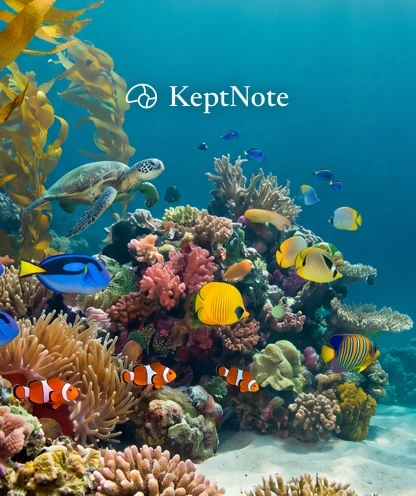
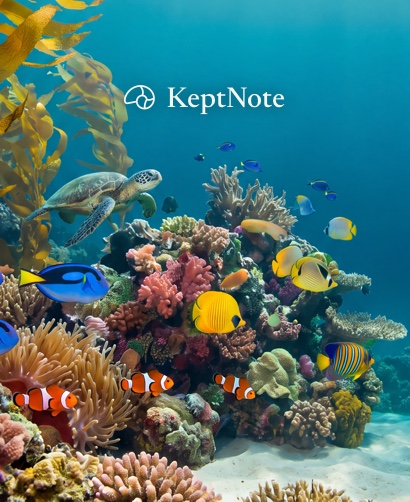
Shallows
Sea glass and morning light.
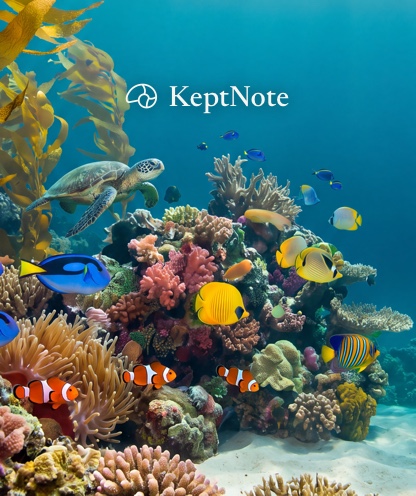
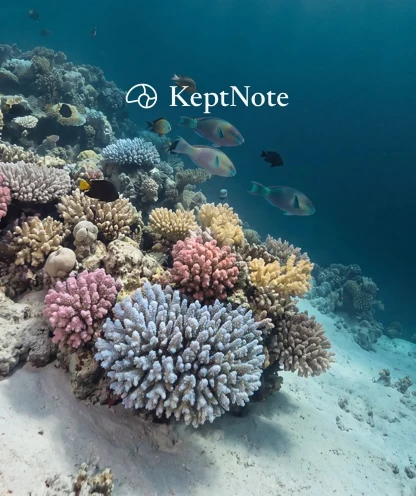
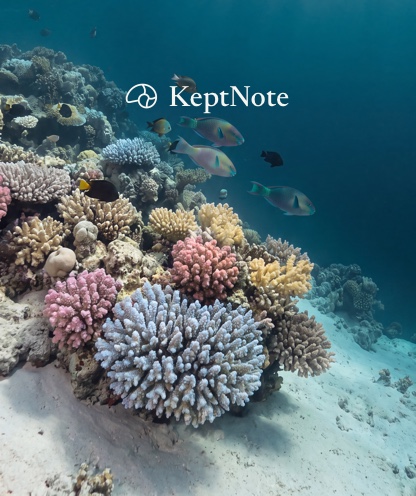
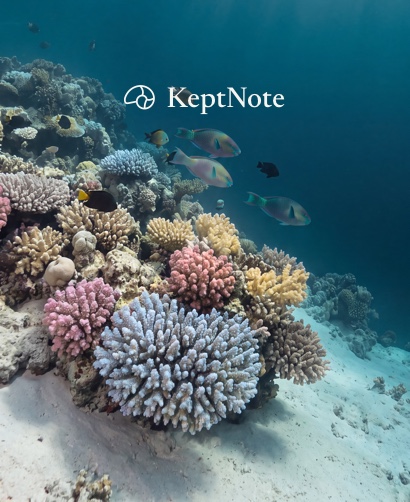
Deep
Night water, a quiet corner of the reef.
Save the picture to Photos on your iPhone. In the Watch app, add a Photos face and choose it.